
From a Word template to a signed, verifiable document.
No developers, no scripting. The people who own the content own the documents — and every output is provably authentic.
Model your data — with no code
Define typed data models (customers, invoices, cases, contracts…) and their relationships. DocsNG automatically generates the UI and REST API to create, search, edit, relate and validate records. Validation rules are the single source of truth for both the app and the database schema.
Design the template in Microsoft Word
Open Word with the DocsNG add-in and click to insert merge fields, repeating ranges and conditions — no syntax to learn. Add tables, logos, images and QR codes. Preview against sample data and publish a new version, all from inside Word.
Generate — one document or a batch
Merge your data into pixel-perfect PDF or Word output through the UI or the REST API. Produce a single document on demand, or run a high-volume batch for statements and mailings, with per-recipient language and formatting.
Sign & seal with your keys
Apply PAdES-LTV signatures using a local certificate, cloud KMS or a hardware HSM — with qualified timestamping and long-term validation embedded. Keys never leave your control. Set encryption and permissions per document.
Verify — by anyone, anytime
Recipients confirm a document's signer, timestamp, signature level and integrity through a verification portal or API. A scannable QR links back to the proof, and the underlying data record is tamper-evident — not just the rendered PDF.
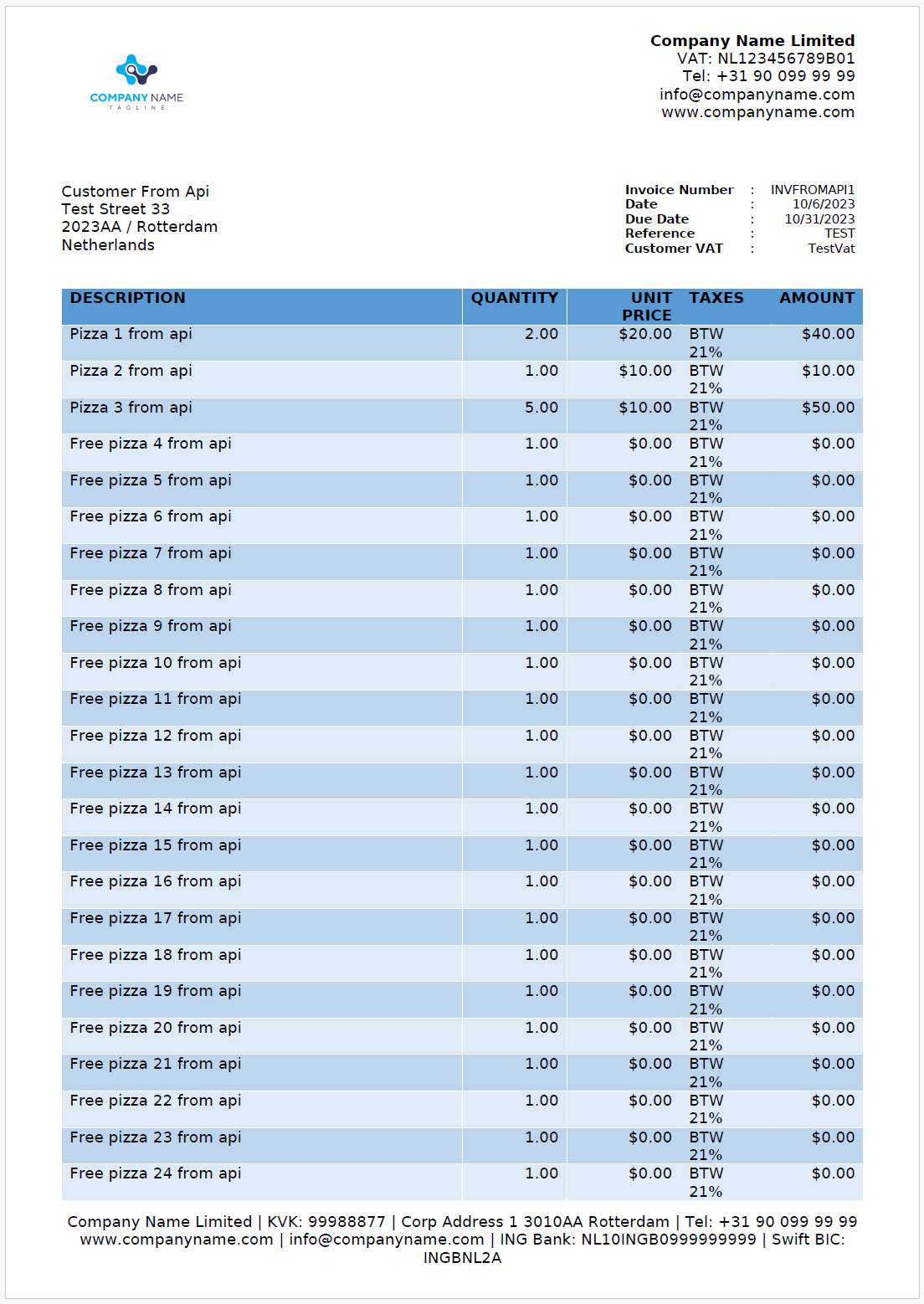
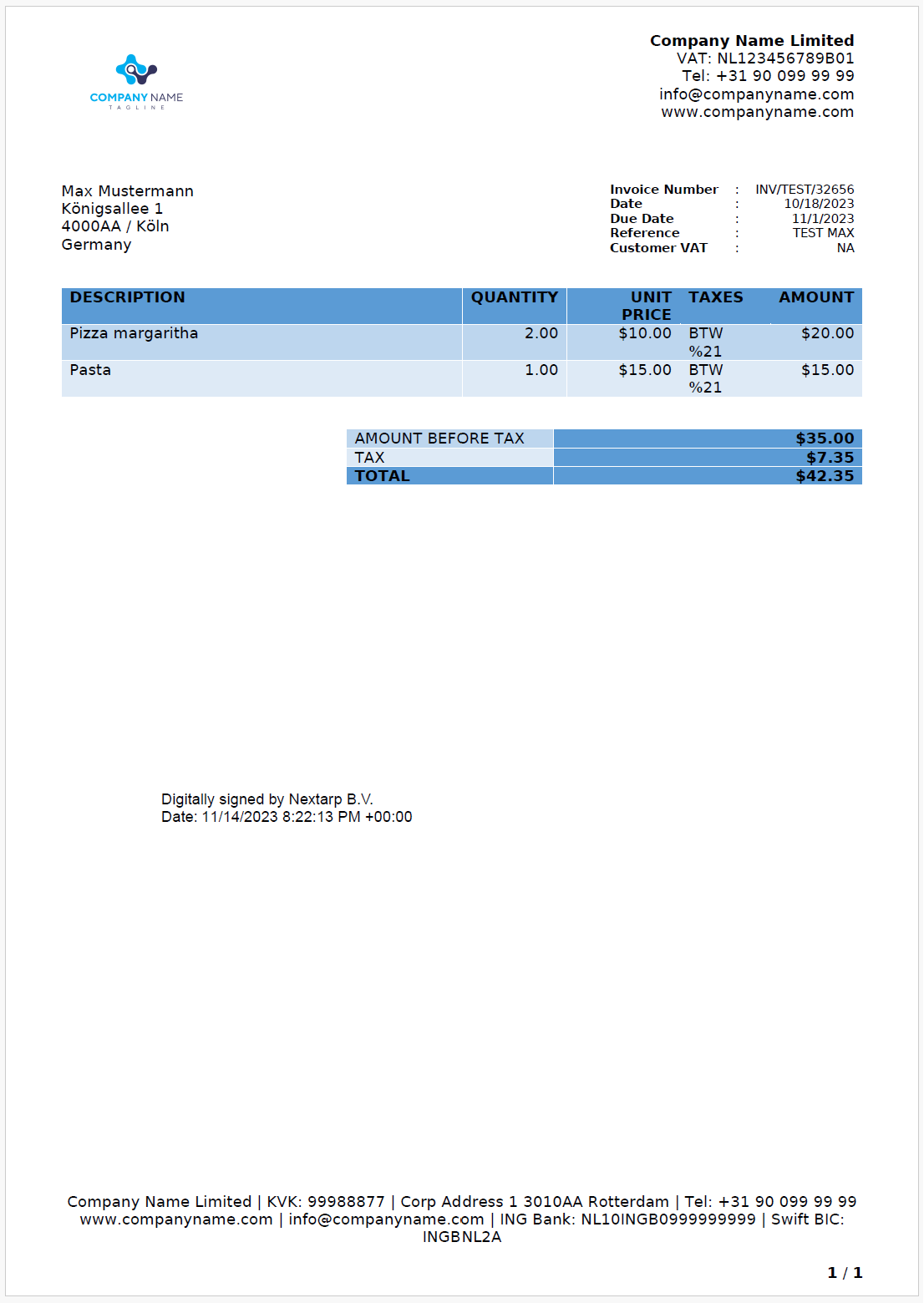
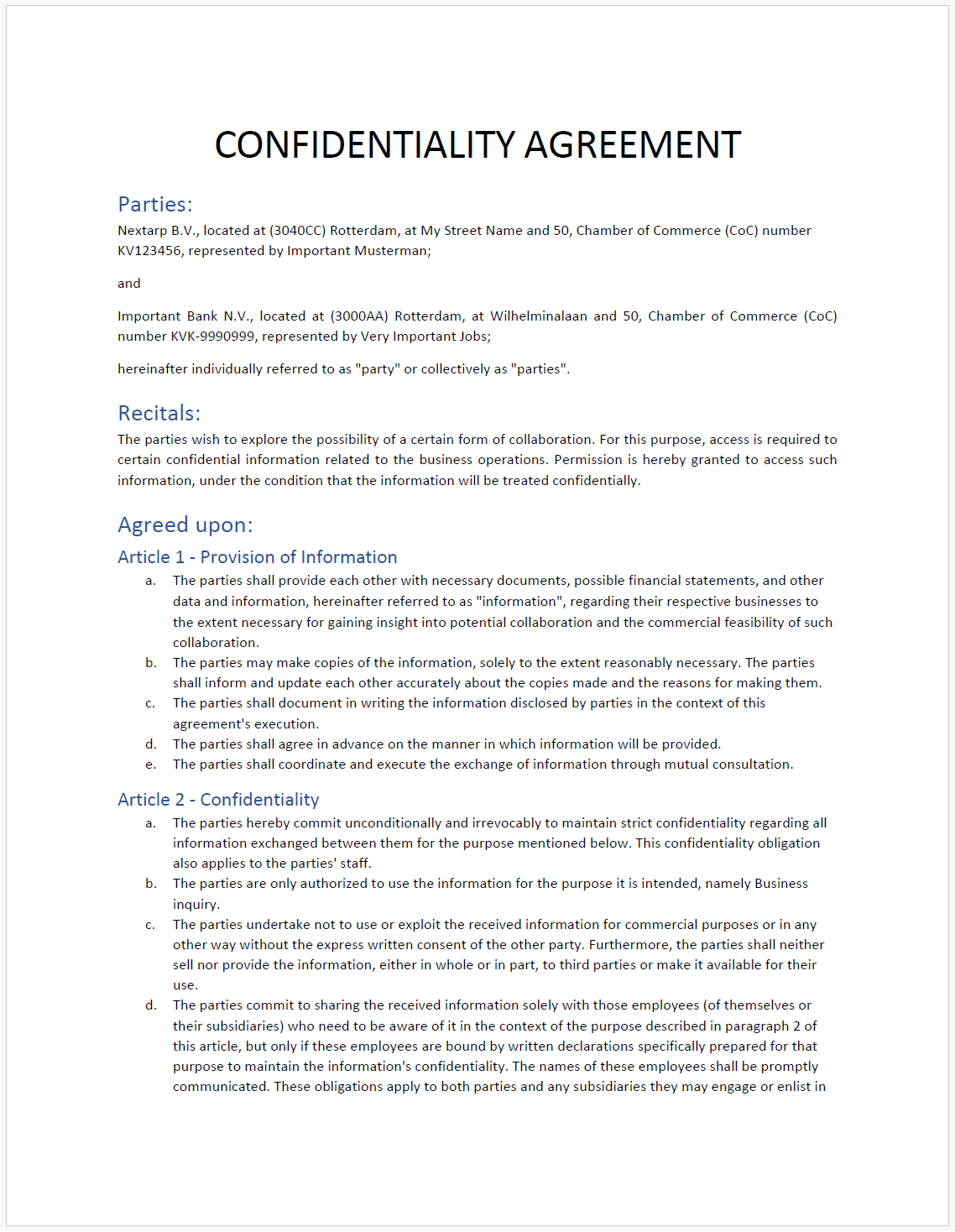
Real documents, generated and signed
Each of these was produced from a Word template and your data — then signed and made independently verifiable.
Built on a modern, auditable stack
.NET 8 · Blazor · EF Core
A single ASP.NET Core process combining the Blazor UI, REST API and background services — easy to deploy and operate.
Five database engines
PostgreSQL, SQL Server, MySQL, Oracle and SQLite, selectable at deployment with per-provider migrations.
Word add-in
An Office task-pane add-in (Word on web, Windows and Mac) that turns template authoring into point-and-click.
Try the whole flow yourself
Model data, design a template, generate a signed PDF and verify it — in minutes.