
Generate & sign documents from your code.
Drop a REST call into your app to turn data into pixel-perfect PDF or Word — cryptographically signed, PAdES-LTV, and independently verifiable. Self-hosted, so your documents never leave your infrastructure.
.NET 8 · REST API · Word add-in · Postgres · SQL Server · MySQL · Oracle · SQLite
# Authenticate, then generate a signed PDF
TOKEN=$(curl -s -X POST \
  "https://docs.acme.com/api/Account/Login?username=$U&password=$P")

curl -X POST "https://docs.acme.com/api/Document/\
GenerateDocumentFromJson?templateId=42&outputType=Pdf" \
  -H "Authorization: Bearer $TOKEN" \
  -H "Content-Type: application/json" \
  -d '[{"Name":"Invoice","Fields":[
        {"Name":"Total","Value":"42.35"}]}]'
// C# — HttpClient
var http = new HttpClient();
http.DefaultRequestHeaders.Authorization =
new AuthenticationHeaderValue("Bearer", token);
var res = await http.PostAsJsonAsync(
"https://docs.acme.com/api/Document/" +
"GenerateDocumentFromJson?templateId=42&outputType=Pdf",
invoiceEntries);
var docId = await res.Content.ReadFromJsonAsync<int>();// JavaScript — fetch
const res = await fetch(
`${base}/api/Document/GenerateDocumentFromJson` +
`?templateId=42&outputType=Pdf`,
{ method: "POST",
headers: { Authorization: `Bearer ${token}`,
"Content-Type": "application/json" },
body: JSON.stringify(entries) });
const docId = await res.json();# Python — requests
r = requests.post(
f"{base}/api/Document/GenerateDocumentFromJson",
params={"templateId": 42, "outputType": "Pdf"},
headers={"Authorization": f"Bearer {token}"},
json=entries)
doc_id = r.json()One endpoint: template + JSON → signed document.
Integrate once — replace a doc-gen tool plus a signing provider plus a verification service
Four things no competitor offers together
Simple REST API
Authenticate, POST a template id and JSON, get a signed PDF back. SDKs for C#, JavaScript and Python.
Signing built in
PAdES-LTV signatures, timestamping and HSM/KMS keys are native — no second vendor to wire up.
No-code templates
Your business users author documents in Word with an add-in. You never redeploy to change a layout.
Runs on your infra
Docker, Linux, Windows or any cloud. Your database, your keys, your data — nothing leaves your boundary.
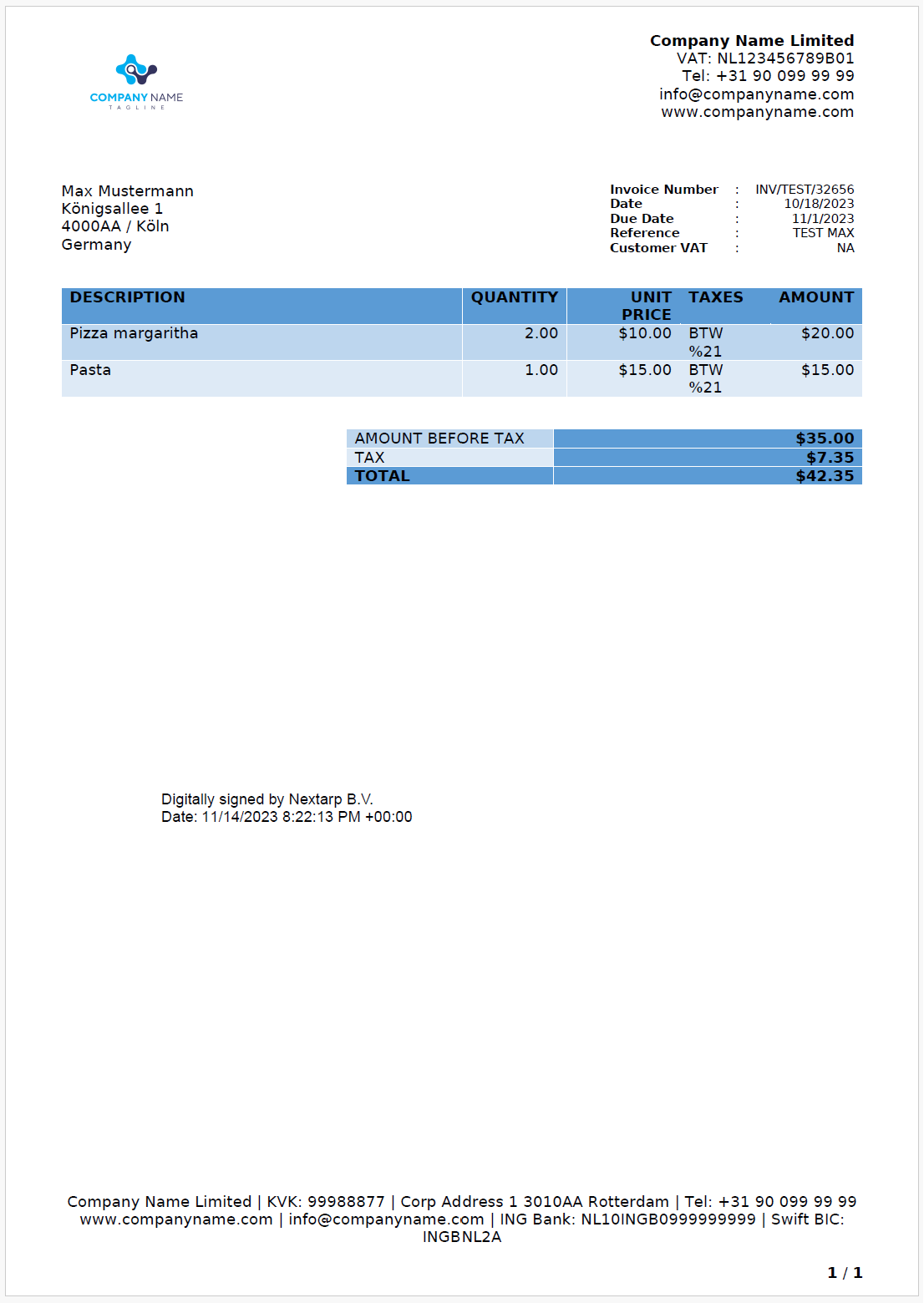
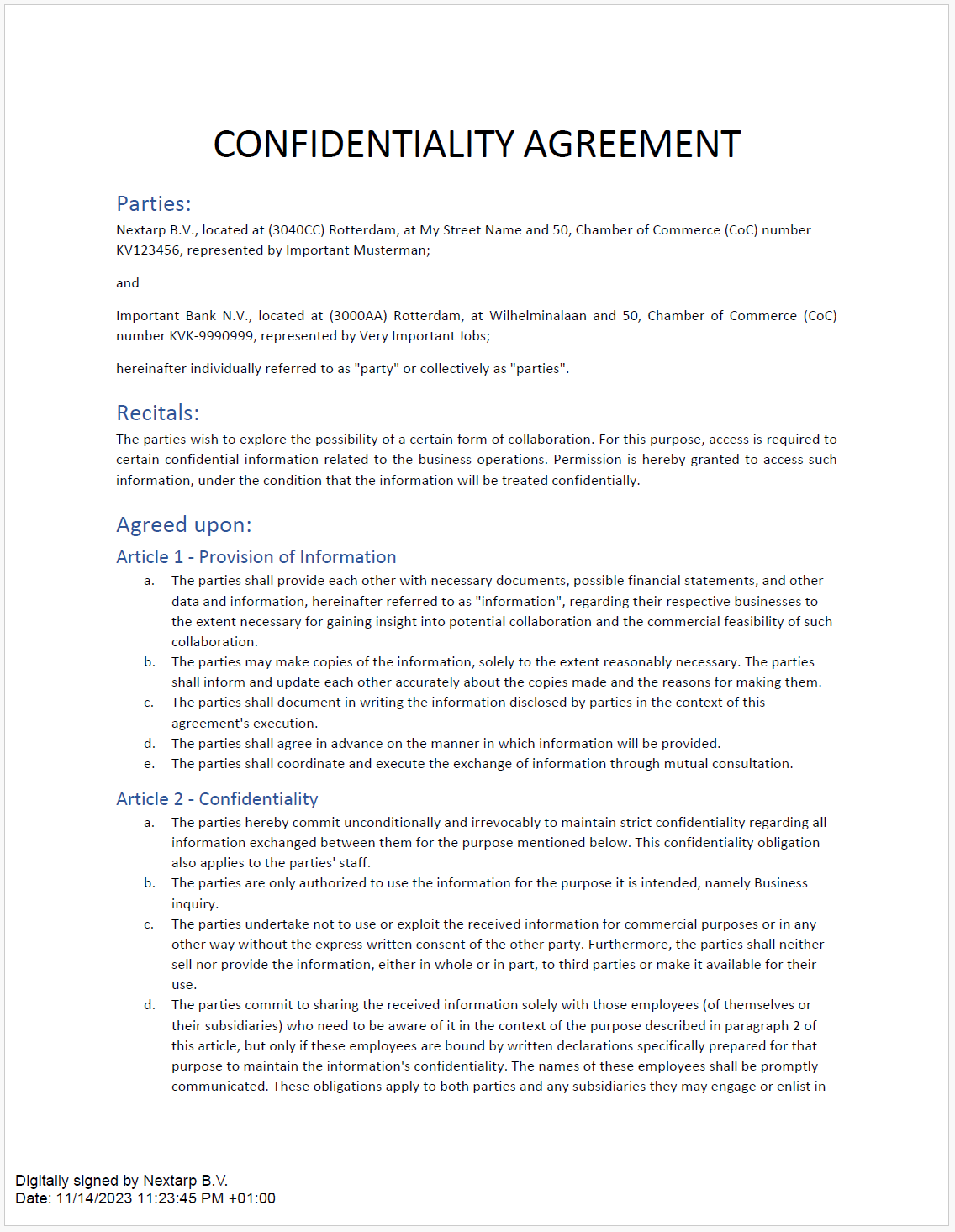
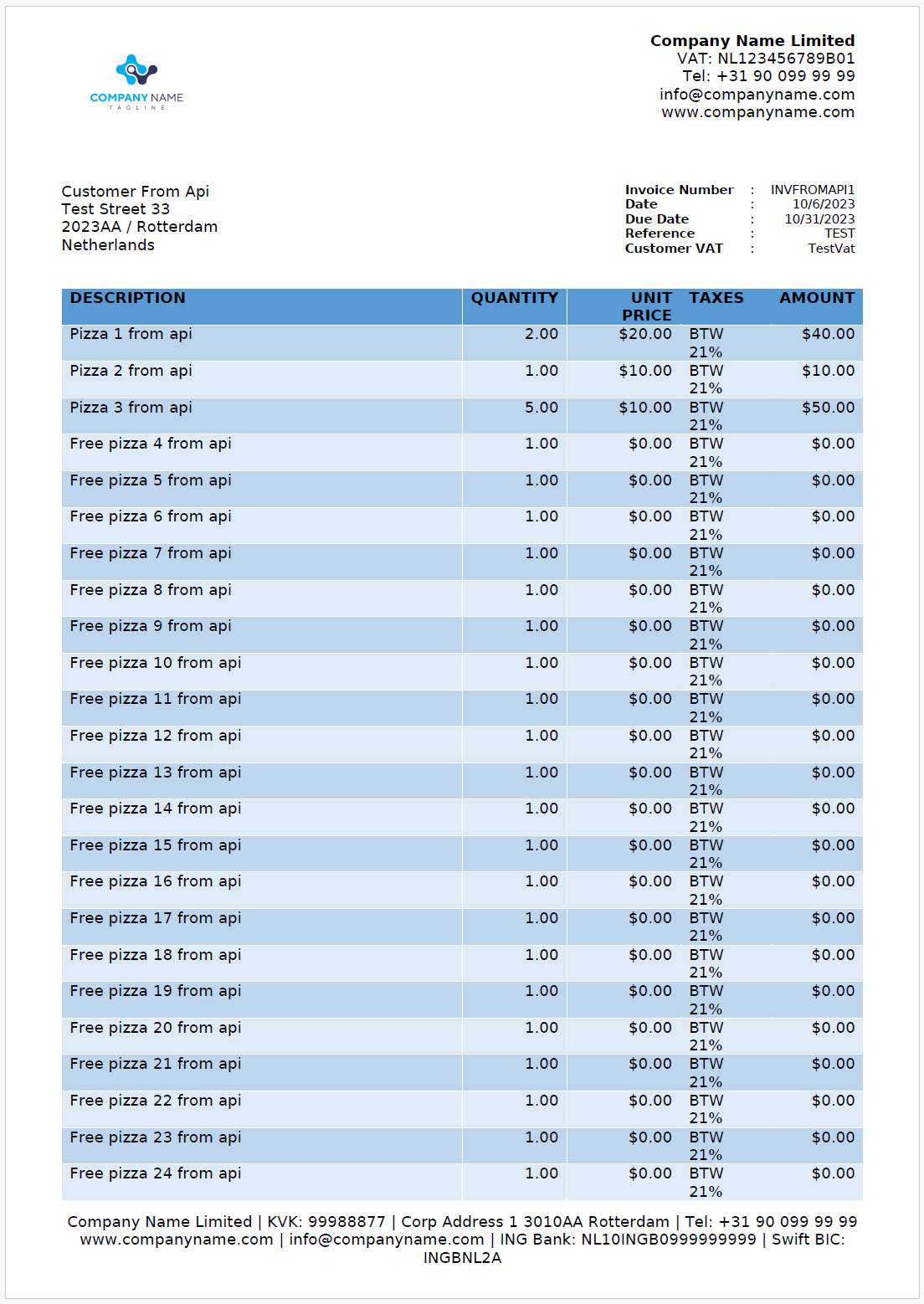
Documents your API produces
Signed, encrypted, multi-page, multilingual — generated from Word templates and your data.
Verify a real signed document yourself
We're a new product, so we'll prove it instead of claiming it: open the live demo, generate a document, sign it with a key, then independently verify the signer, timestamp and integrity — no account, nothing hosted by us.
From zero to a signed PDF in three calls
Authenticate, generate, download. No SDK lock-in, no proprietary template language — your business users design in Microsoft Word, and you drive everything else over HTTP.
- Sync generation or async jobs with webhook callbacks
- JSON or entity-id inputs; PDF, DOCX or HTML output
- Batch generation for statement runs
- Scoped API keys & service accounts, separate from users
- OpenAPI spec & generated SDKs
# Download the generated document
curl -L "https://docs.acme.com/api/Document/\
DownloadDocument?id=1024&jwtToken=$TOKEN" \
  -o invoice-signed.pdf
# Verify a signed document (anyone can) curl -X POST "https://docs.acme.com/api/Document/ValidatePdf" \ -F "pdf=@invoice-signed.pdf" # → 200 OK signer, timestamp, integrity: valid
Doc-gen tools or signing tools — DocsNG is both
Detailed, honest comparisons against every major alternative.
Guides on generation, signing & trust
eIDAS explained: AdES, QES and QSeal
9 Jul 2026 · 8 min read
A practical guide to the eIDAS electronic signature levels and how to pick the right one.
ProductAI-assisted template authoring in Word
2 Jul 2026 · 6 min read
Turn plain-language descriptions into working mail-merge templates - no syntax required.
TrustPAdES-LTV: signatures valid for decades
18 Jun 2026 · 7 min read
Why a valid signature can fail years later, and how long-term validation prevents it.
Integrate document generation & signing today
Start a free trial, read the API docs, or talk to us about a self-hosted or air-gapped deployment.